
TPGL 2026
Get TPGL6 on your phone
Fixtures, standings and results. One tap from your Home Screen.
Choose your phone below. No app store needed.
Already installed? Open the league →Add to your Home Screen
Use Chrome. If this opened inside WhatsApp or another app, open the link in Chrome first.
- Open Chrome’s menu
Tap the three dots. If the Install button above is available, you can use it instead.
- Choose Install app
Your browser may call this Add to Home screen. Confirm when asked.
- Open TPGL6 from its icon
Look for the new app on your Home Screen or in your app list.
Open this page in Safari. Installation uses Safari’s Share menu.
- Tap Share
Find the square with an arrow pointing upward in Safari.
- Choose Add to Home Screen
Scroll through the Share menu. Check Edit Actions if you cannot find it.
- Tap Add, then open TPGL6
Keep Open as Web App enabled if that option appears. Launch the new icon from your Home Screen.
Share the app with your team
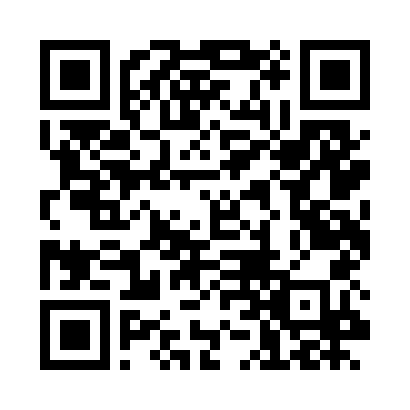
Send this installation link. Another player can also scan the QR code.
Current scores need an internet connection. The app uses the same league website.